How to Get YouTube Content ID for Your Music in 2026
How YouTube Content ID works, what music qualifies, and how to enroll your catalog through an approved partner to monetize, block or track your music.
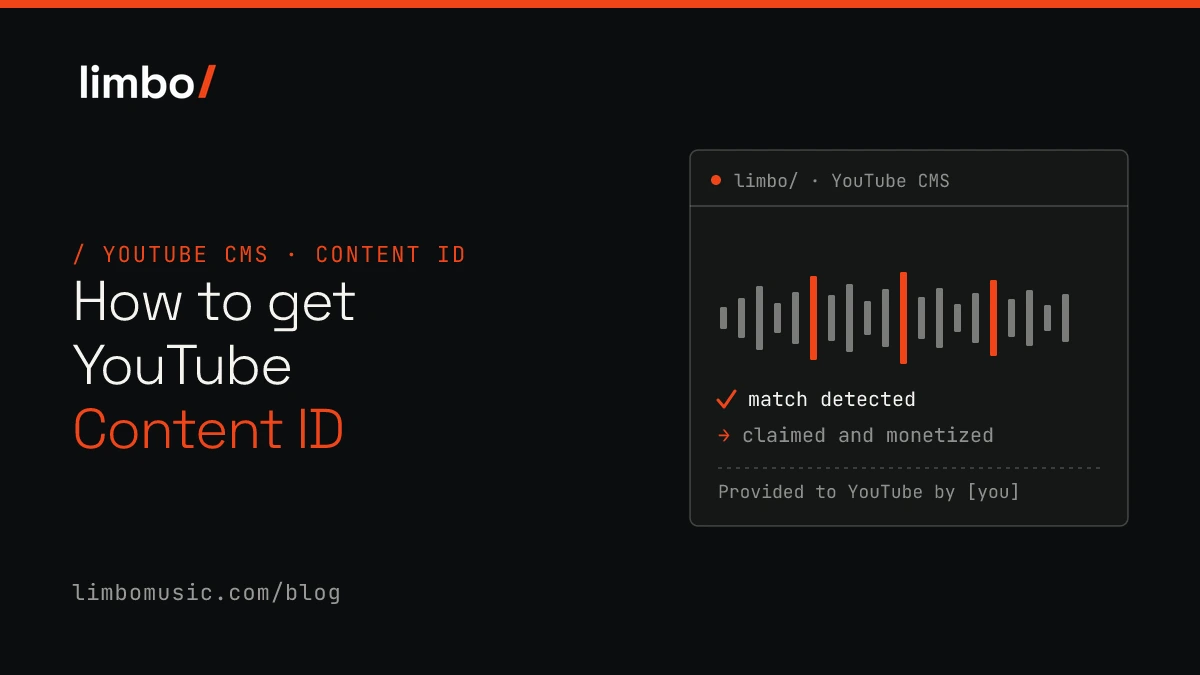
Someone used your track in their video and you did not see a cent. Or worse, you uploaded your own music and got a copyright claim on your own song. Both point to the same gap: your music is not registered in YouTube’s Content ID system.
Content ID is YouTube’s audio-fingerprinting technology. It scans every upload against a database of registered music and lets rights holders monetize, block, or track matching content. This guide covers how the system works, what music qualifies, and the step-by-step process to get your catalog enrolled through an approved partner.
What YouTube Content ID is and how it works
YouTube Content ID is an automated audio-fingerprinting system that lets music copyright owners catalog their tracks. When someone uploads a video containing your registered music, the system detects the match and lets you choose what happens next. You can monetize the video by placing ads and collecting the revenue, block it from being viewed, or simply track its performance without acting.
YouTube built the system, reportedly a $100M+ investment, for rights holders managing large catalogs. It works by scanning every upload against a database of reference files, which are digital fingerprints of registered music.
Here is the catch: independent artists cannot submit music directly to Content ID. YouTube only grants direct access to organizations managing substantial catalogs. Everyone else goes through an approved CMS partner, typically a distributor or rights-management company listed in the YouTube Services Directory.
Content ID vs YouTube Music and Art Tracks
People mix these up, but they do completely different things.
| Feature | Content ID | YouTube Music / Art Tracks |
|---|---|---|
| Purpose | Detect and monetize UGC using your music | Distribute your official releases |
| How it works | Audio fingerprinting scans all uploads | Your music appears in the YouTube Music app |
| Revenue source | Ads on other creators’ videos | Streams of your official content |
Art Tracks are auto-generated videos YouTube creates from distributed music: a static image with your track playing. They show up in YouTube Music and on YouTube as your official releases.
The two work together. You can earn from your Art Track streams while also collecting ad revenue whenever a creator uses your song in their video. Different revenue streams, same catalog. Worth knowing: under YouTube’s policy, submitting a release to Content ID also submits it to YouTube Music, so the two are delivered as a pair.
Who is eligible for YouTube Content ID
From YouTube’s side, Content ID is invite-only. Only organizations managing large catalogs get direct access.
For independent labels, artists and smaller rights holders, eligibility comes through a CMS partner approved in the YouTube Services Directory. That partner handles enrollment, creates the reference files, and manages claims on your behalf. They are your gateway into the system.
What music qualifies for YouTube Content ID
Before enrolling, confirm your catalog actually meets the requirements. The 100% original-ownership rule is strict, and violations create real problems.
Original recordings you own outright. The cleanest path. Music you wrote, performed and produced yourself, with no third-party claims, qualifies without complication. You control both the sound recording and the underlying composition.
Music with cleared samples and exclusive licenses. Exclusive, transferable licenses with written documentation may qualify. The key word is exclusive. Non-exclusive beats or leased instrumentals will not work. Keep your contracts accessible, because you will likely need to prove ownership.
Covers, remixes and public-domain works. Tricky. With a cover you may own the recording but not the composition, which still belongs to the original songwriter. Remixes require written permission from the original rights holder. Public-domain recordings can conflict with other registered versions. Generally not recommended for Content ID unless your documentation is airtight.
Disqualified or high-risk content. These get rejected or cause conflicts down the line:
- Royalty-free loops or sample packs, and beats bought non-exclusively (other people hold the same rights).
- AI-generated music trained on copyrighted material (ownership is legally unclear).
- Tracks with uncleared samples, or sound recordings you do not own outright.
- Very generic audio (applause, ringtones, white noise, nature sounds).
- Ambient, meditation, yoga or sleep music; “sound-alike” versions; mashups, DJ or extended mixes, and full albums as a single track.
- Public-domain and karaoke recordings; spoken-word content (podcasts, audiobooks, sermons).
How to get YouTube Content ID for your music
The actual process, step by step.
1. Confirm you own 100% of the rights. Verify exclusive ownership of the sound recording and any underlying composition. If you have co-writers, get written splits in place. Shared ownership without documentation creates disputes, and disputes mean frozen revenue.
2. Choose an approved CMS partner. Not all distributors offer Content ID. Look specifically for YouTube Services Directory approval. Some partners hold direct CMS access; others sub-license through a third party, which adds latency and clouds your reporting. The difference matters when you are trying to understand where your money comes from.
3. Submit your catalog and proof of ownership. Prepare metadata, audio files and ownership documentation. Your partner creates the reference files and registers the assets. Clean, accurate metadata speeds this up; messy data slows everything down.
4. Opt in each release. Most platforms require explicit opt-in per release. Opting in means your music will claim matching videos, potentially including your own channel if you have not whitelisted it. This catches many artists off guard the first time.
5. Monitor claims and collect revenue. Once active, Content ID auto-claims matching videos and revenue flows through your partner. Look for line-by-line reporting that shows revenue per video and per territory, not aggregated summaries that hide where your money comes from.
How long it takes and how you get paid
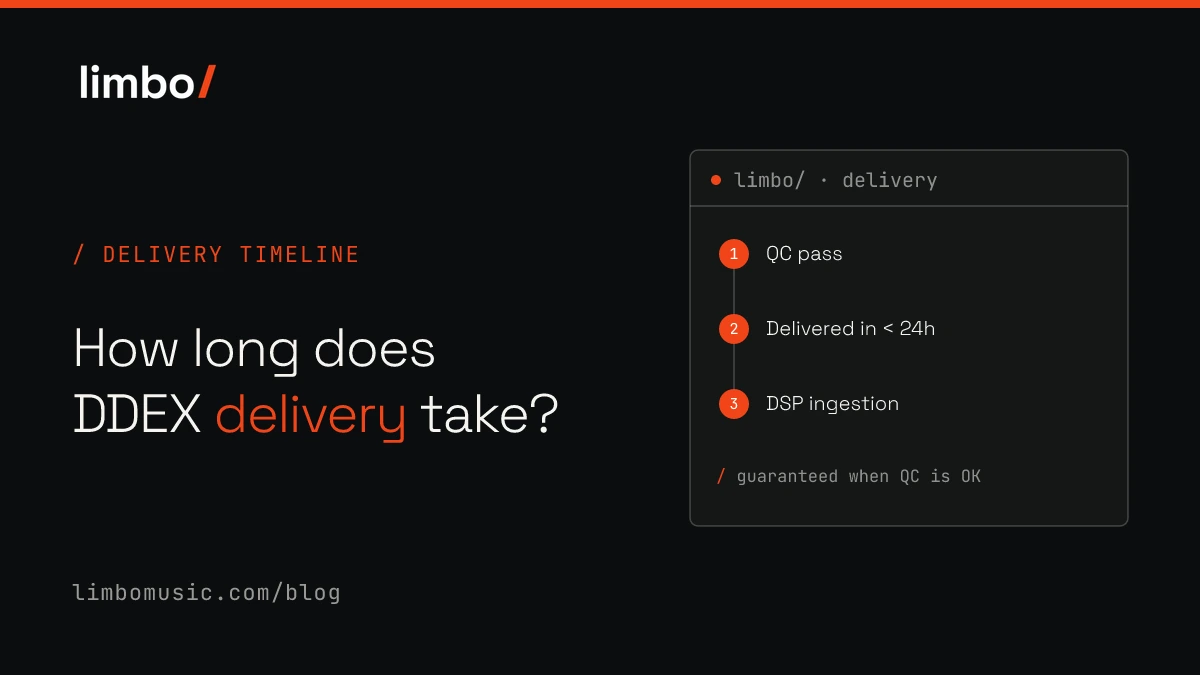
- Enrollment: days to weeks after submission, depending on your partner’s processing speed.
- First claims: appear once your reference files are processed and active.
- Payment: flows through your distributor or CMS partner, typically monthly or quarterly.
Your partner takes a commission, usually a percentage of Content ID revenue. Understand that split before signing up, because it varies a lot between providers.
How to handle false claims and disputes
Claims go both ways: you might get claims on your own videos, or others might dispute your claims on theirs.
- Identify the source. Check whether a claim comes from your own distributor (common if you uploaded before enrollment) or from a third party. The source determines your next move.
- Dispute with evidence. Provide documentation proving you own the rights. The claimant has 30 days to respond; if they do not, the claim is released automatically.
- Whitelist channels you control. Add your channel URLs to your partner’s whitelist so the system does not claim your own uploads. Essential for any artist who posts their own content.
- Escalate through your partner. A responsive partner with human support resolves edge cases faster than an automated ticket queue. Some issues simply need a person to look at them.
Whitelisting, opt-in and opt-out controls
- Whitelisting: excludes specific channels from claims. Essential for your own channel, collaborators, or licensed sync placements.
- Opt-in: enables Content ID per release rather than enrolling your whole catalog automatically.
- Opt-out: removes releases if you change strategy or switch partners.
Granular controls matter. Look for per-release and per-territory settings, not a blanket on/off switch for the entire catalog.
AI-generated music and Content ID
AI-generated music faces growing scrutiny. If the model was trained on copyrighted material, or you do not own the output outright, enrollment can be rejected and claims can be disputed by other rights holders. Policies are moving fast, with platforms adding AI-content detection and disclosure fields to pre-delivery quality control. A partner that stays current on DSP policy helps you avoid getting caught off guard. It is part of the wider problem of streaming fraud and artificial streams.
How to choose a Content ID partner
Your choice of partner affects everything from claim speed to revenue transparency.
- Official YouTube Services Directory approval. Non-negotiable. Only approved partners can create reference files and manage claims directly. Ask for proof of the directory listing.
- Direct CMS access, no sub-licensing. Sub-licensing through a third party adds latency and opacity. Direct access means faster claims and cleaner data on where your revenue originates.
- Transparent splits and line-by-line reporting. Know exactly what percentage your partner takes, and insist on per-video, per-territory reporting you can actually audit.
- Claims management and human support. Disputes need human judgment. Prefer a named support team over an anonymous queue.
Running Content ID under your own brand
Labels and distributors who want to offer Content ID to their own artists have another option: white-label CMS access. You manage Official Artist Channels, Content ID enrollment and claims under your own brand, without exposing the infrastructure provider. Your artists see your company, not the technology partner, with full brand control including “Provided to YouTube by [your brand]” on Art Tracks.
How limbo/ does YouTube Content ID
YouTube CMS is one of our Music Blocks, and we run it the way the checklist above says to look for.
- Official YouTube Services Directory approved, with direct CMS access and no sub-licensing, so claims are fast and the data is clean.
- Line-by-line royalty reporting, per video and per territory, not aggregated summaries.
- Pre-delivery quality control that checks fingerprint eligibility before a release goes out, so conflicting or ineligible tracks are caught early.
- White-label for labels and distributors, including Official Artist Channel management and “Provided to YouTube by [your brand]”.
- A human team that answers, which is what actually resolves disputes and edge cases.
A note on how it is delivered: per YouTube’s policy, a release sent to Content ID is also delivered to YouTube Music as an Art Track, so you earn from both the user-generated videos and your official streams.
Frequently asked questions
Does YouTube Music use Content ID? No. YouTube Music delivers your official releases as Art Tracks. Content ID is a separate system that claims user-generated videos containing your music. Different systems, different revenue streams.
Is YouTube Content ID free? Enrollment through a distributor or CMS partner involves a revenue share or service fee. YouTube does not charge rights holders directly; the cost is your partner’s commission.
Can I use Content ID with more than one distributor? No. Only one entity can hold the Content ID asset for a given recording at a time. Duplicate registrations cause conflicts and rejected claims.
What happens to my assets if I switch partners? Your current partner releases the assets before the new one can register them. Plan for a short gap in coverage during migration.
Can YouTube creators license music registered in Content ID? Yes, though it varies by rights holder. Some offer blanket or per-video licenses. Creators can dispute a claim if they hold a valid license, and the rights holder can release the claim once the license is verified.
Talk to us
If you want Content ID run by an approved partner with direct CMS access, transparent reporting and people who pick up, that is what we build. We do not publish rate cards, because the right setup depends on your catalog and goals. Tell us what you run today and what you want to own, and we will put together a commercial proposal. Start the conversation with limbo/.